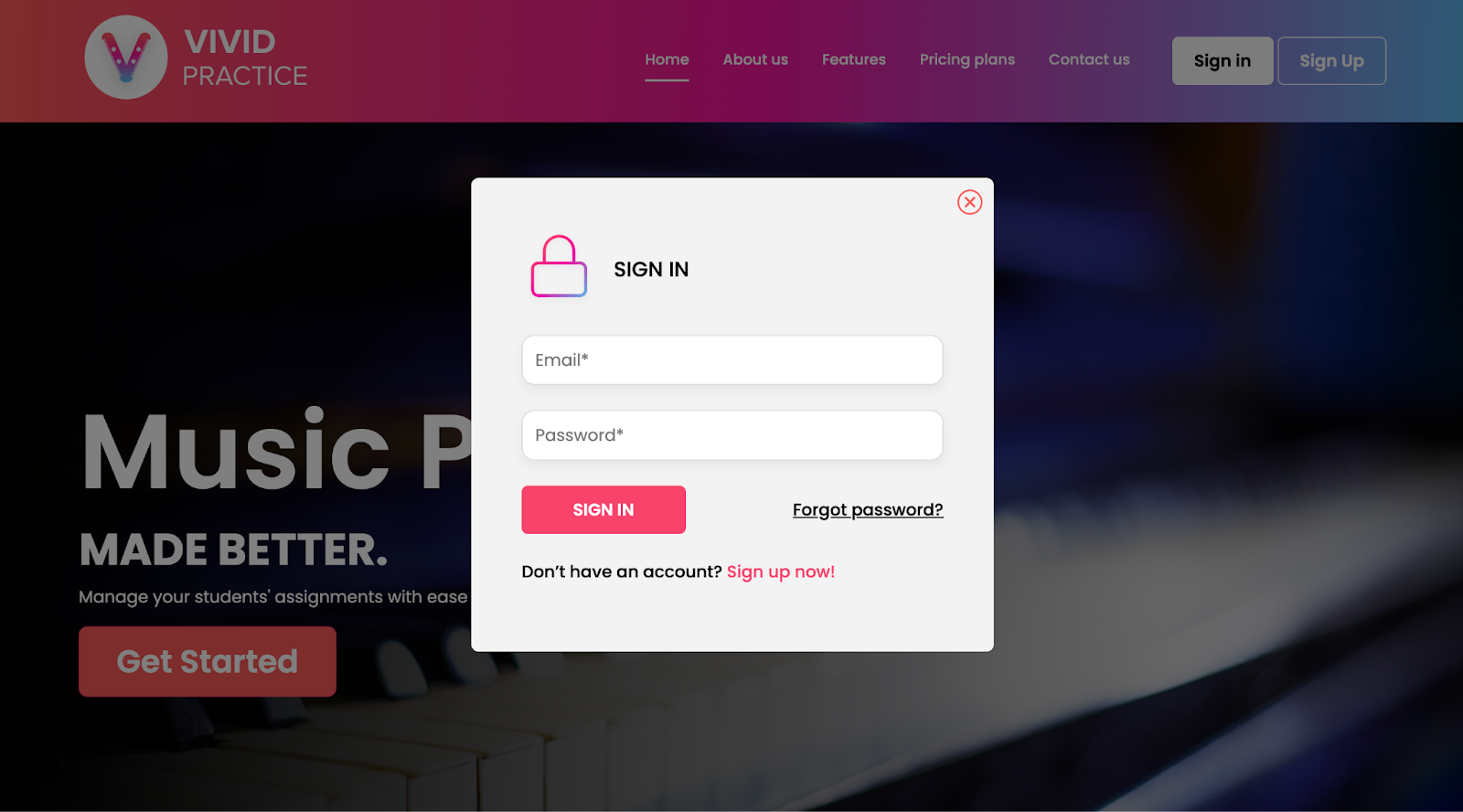
Teacher: I’m having trouble logging into my account.
Edited
Don’t forget that teachers can only log into the website, not the app. Go to vividpractice.com and select “Sign In” in the top-right corner. Remember to enter the full email address you used when you created the account.