
Teacher: I’ve forgotten my password for the teacher site.
Edited
If you’ve forgotten your password, go to the Sign In screen and select the “Forgot password?” text. Enter the email address attached to your Vivid account. You should receive an email from support@vividpractice.com within a few minutes with a button to click to reset your password. That will take you to a unique-to-you password reset webpage that looks like this:
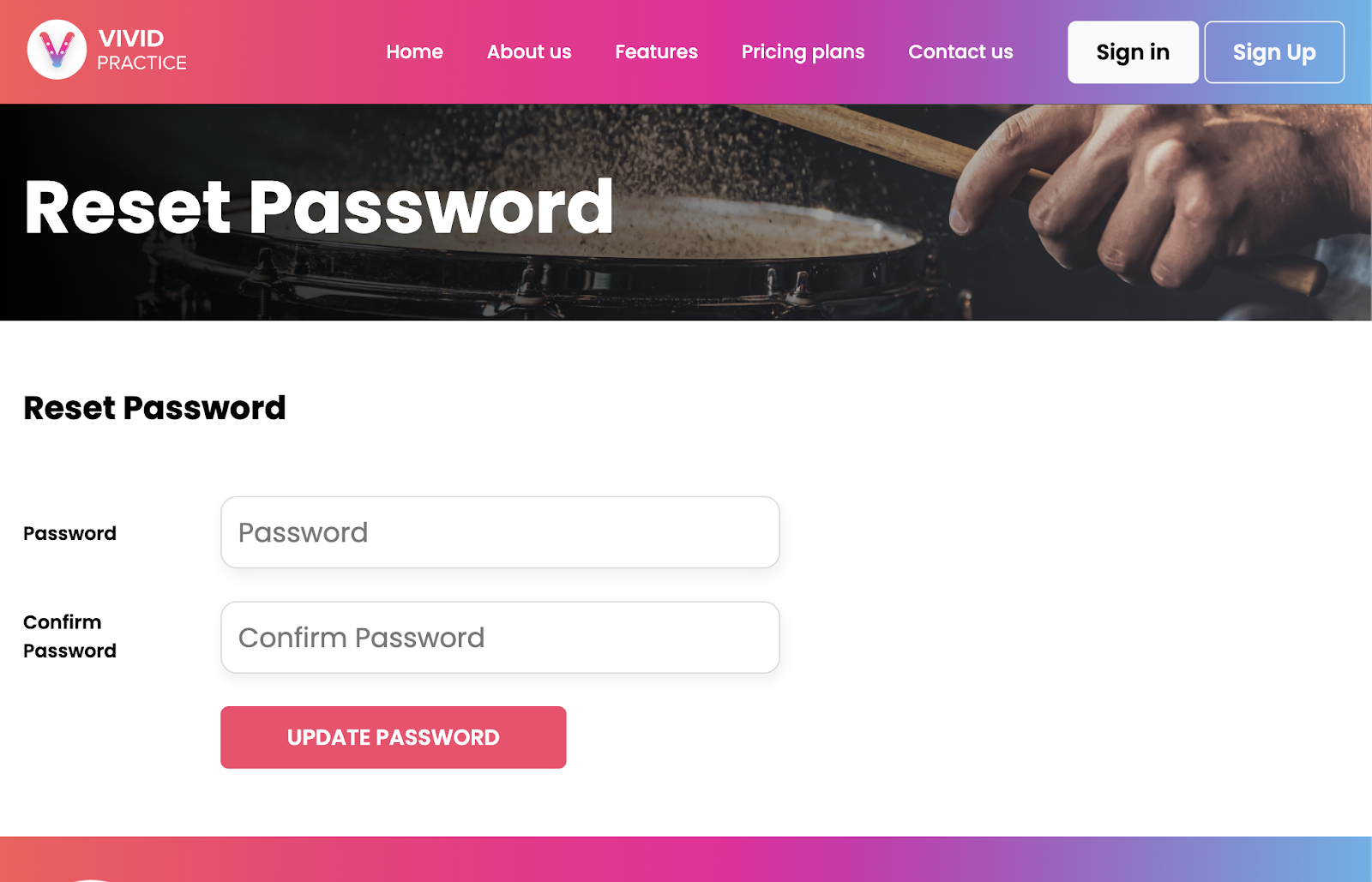
Enter a password that contains at least one capital letter, one lowercase letter, one number and one special character. Enter it exactly the same in the second box, then select the “Update Password” button. Then go back to the vividpractice.com site and sign into your account.
If you’re still experiencing issues, please reach out to support@vividpractice.com.