
Student: I’m having trouble logging into the app.
Edited
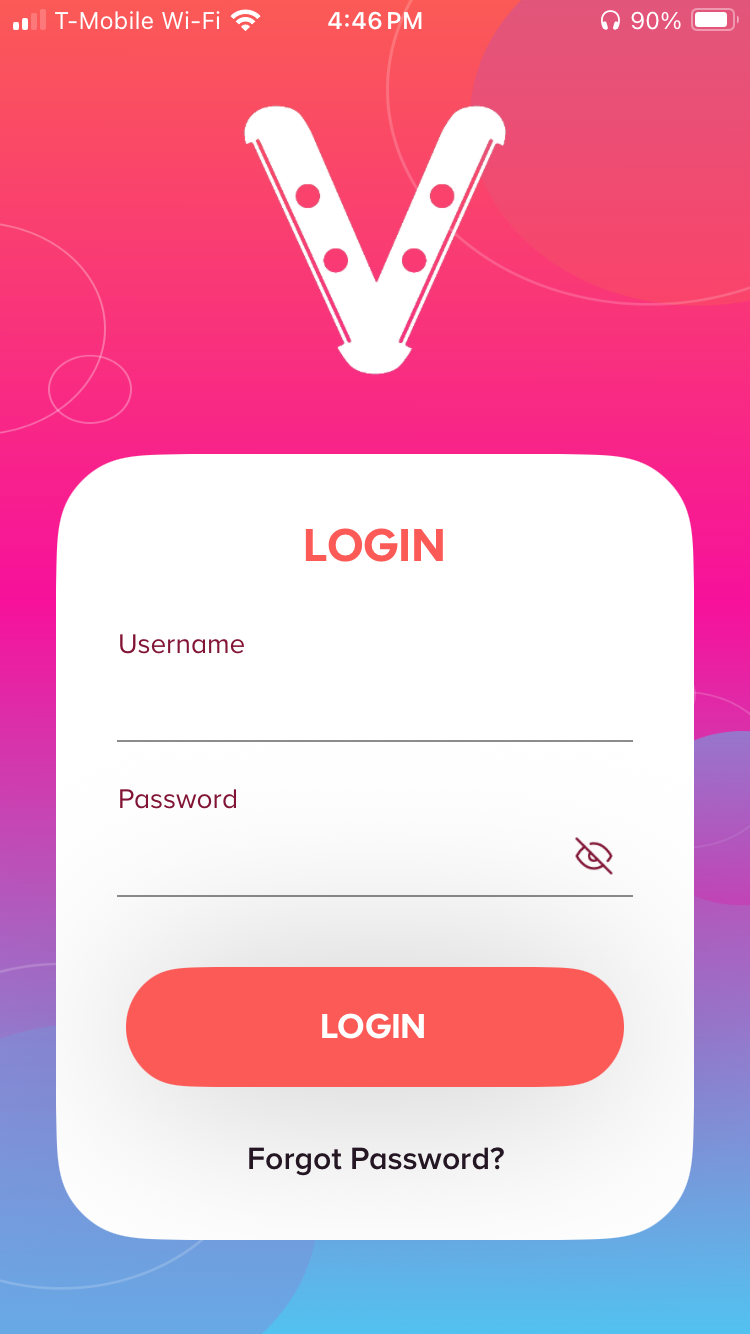
Don’t forget that students can only use the app, not the website. Once you’ve opened the app, type in the username and password that your teacher gave you.
The password is case sensitive, so if your keyboard defaults to a capital letter, you’ll need to switch it to lowercase first. Also, be careful those pesky autocorrect suggestions don’t add a space or change the spelling!
If you’re still experiencing issues, please reach out to support@vividpractice.com.