
Student: I’ve forgotten my username and/or password.
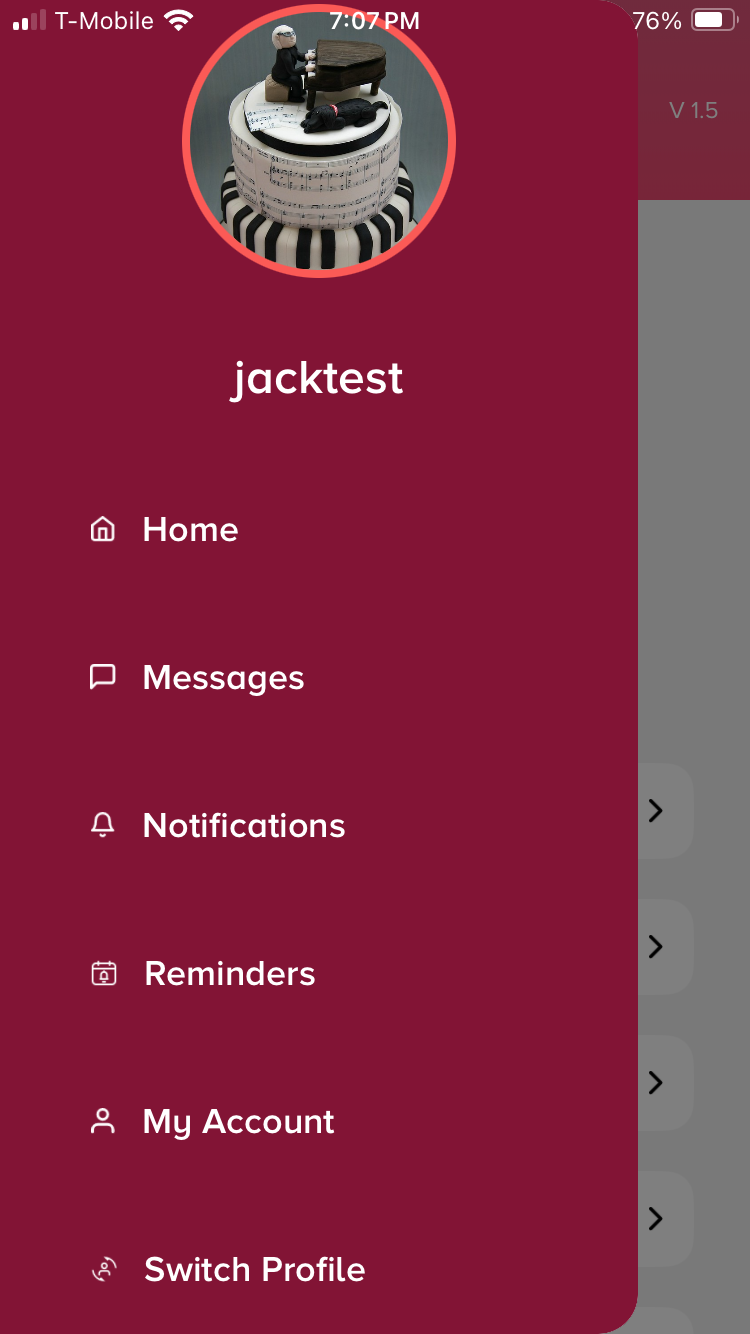
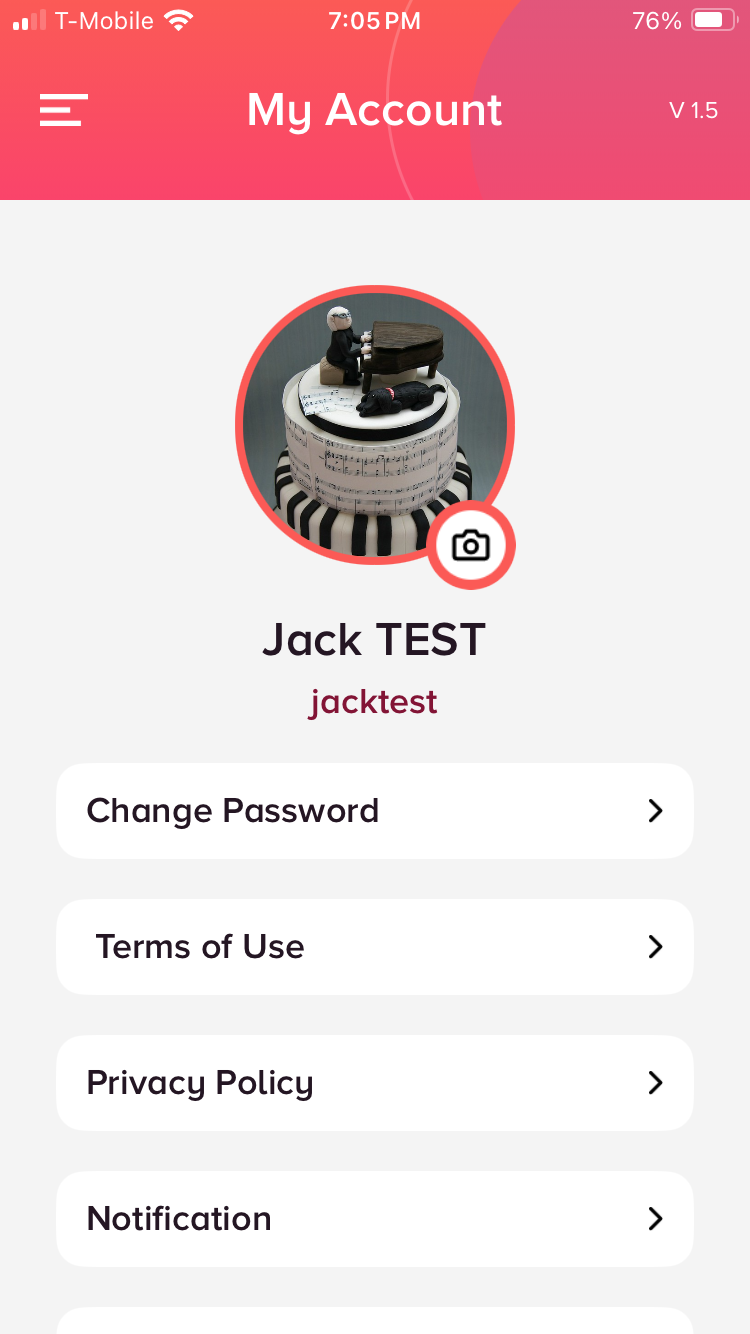
If you’ve forgotten your username, you can visit your My Account section from the main menu to see it listed underneath your profile image. If you aren’t currently logged in, ask your teacher to look it up in their profile for you on the teacher’s site.
If you’ve forgotten your password, there are two options:
Stay logged into your account and ask your teacher to change your password from their account. (If you want to change it again later, visit the “Change Password” option in My Account.)
Log out of the app and select “Forgot Password?” on the login screen. If there is an email address saved in your profile, you’ll receive an email with a link to reset your password.
If you’re still experiencing issues, please reach out to support@vividpractice.com.