
Teacher: How do I reset a student’s password?
Edited
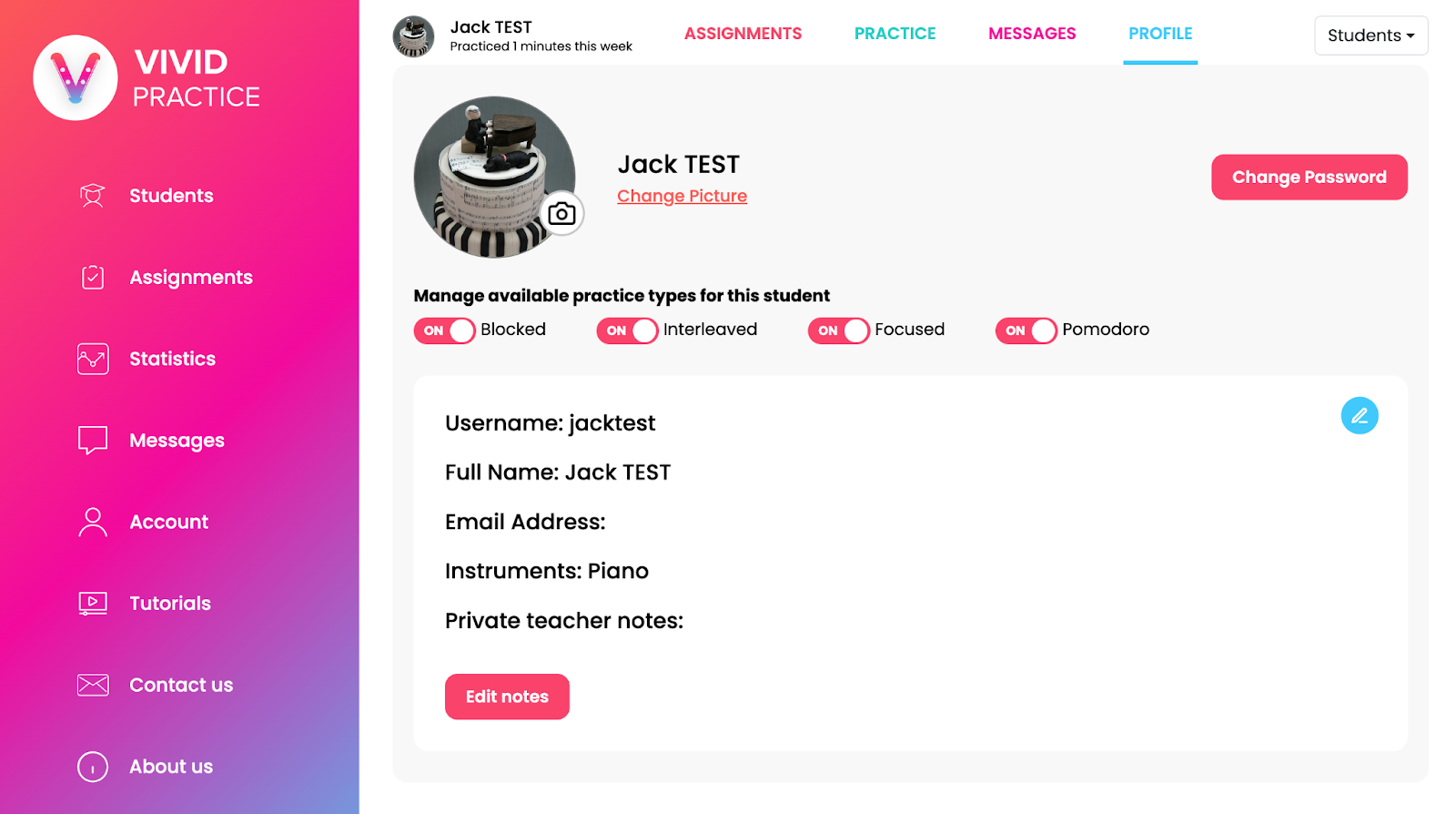
On the teacher’s site, go to that student’s assignment list and then the “Profile” tab along the top. Select the “Change Password” button and enter a password you choose. Make sure to share the exact spelling and capitalization (if applicable) with your student.
Note: Student passwords do not have a minimum length and don’t require any special characters.
If you want your students to be able to reset their passwords without contacting you, enter an email address in their profile tab.