
Student: I need to share a device with someone else who uses Vivid.
Edited
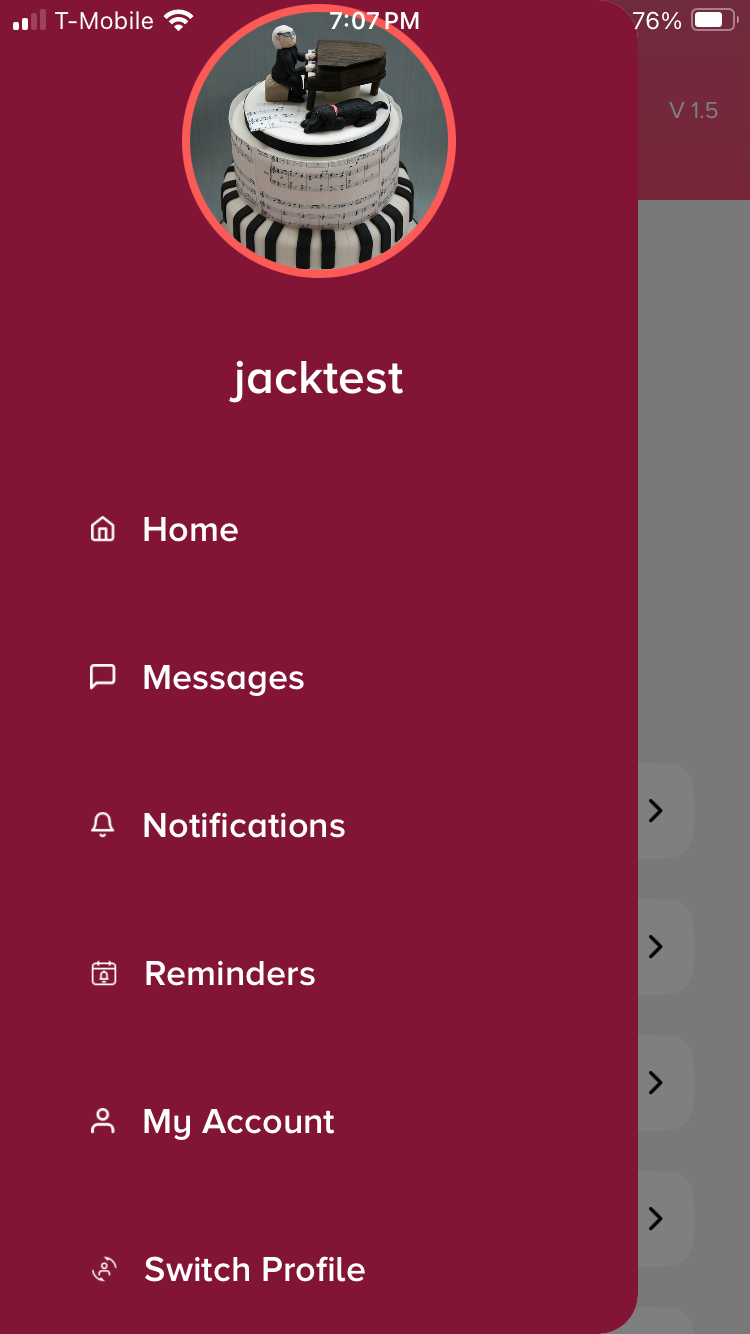
If you’re sharing a device with another music student, you don’t have to log out! Just go to the main menu, select “Switch Profile”, then choose the plus sign to log into another account.
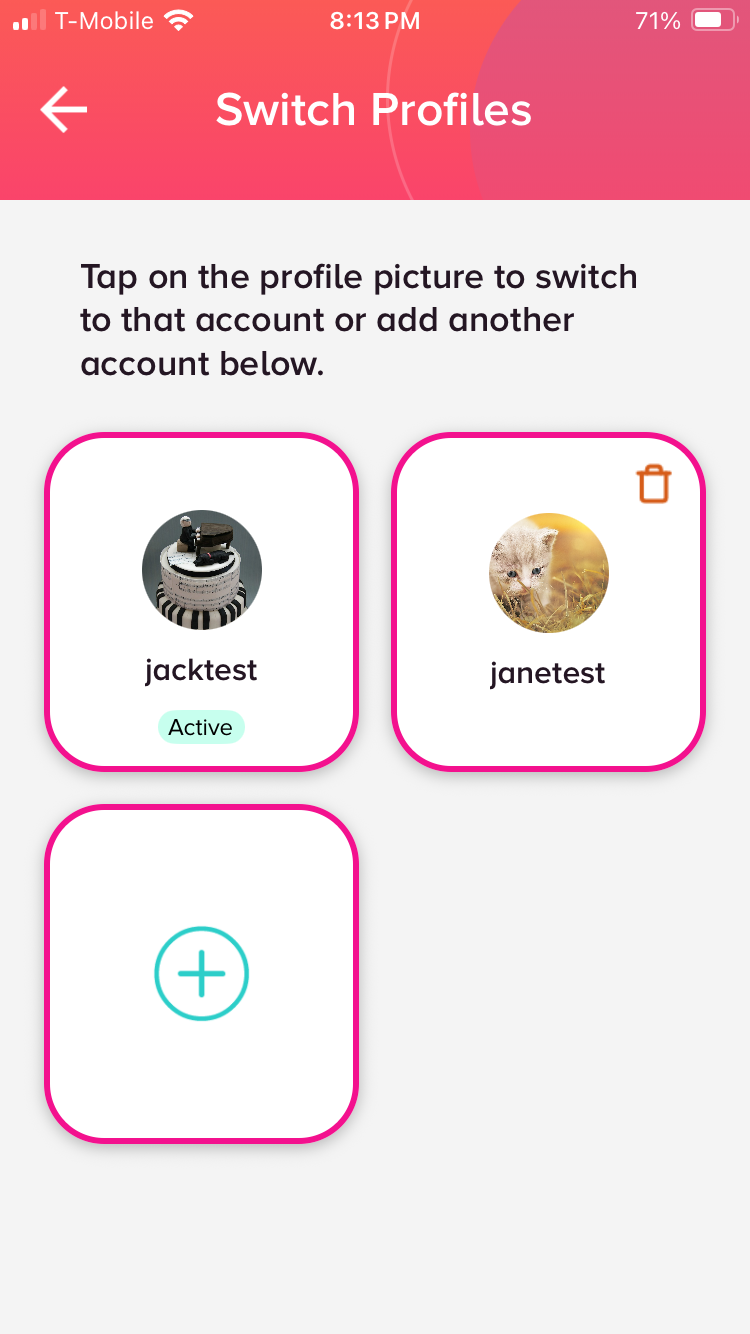
Note: To delete a profile from this list, make sure you are “active” in another profile first. Then come back to this list and you’ll see a trash can icon on inactive profiles.