
Teacher: How do I create a new account?
Edited
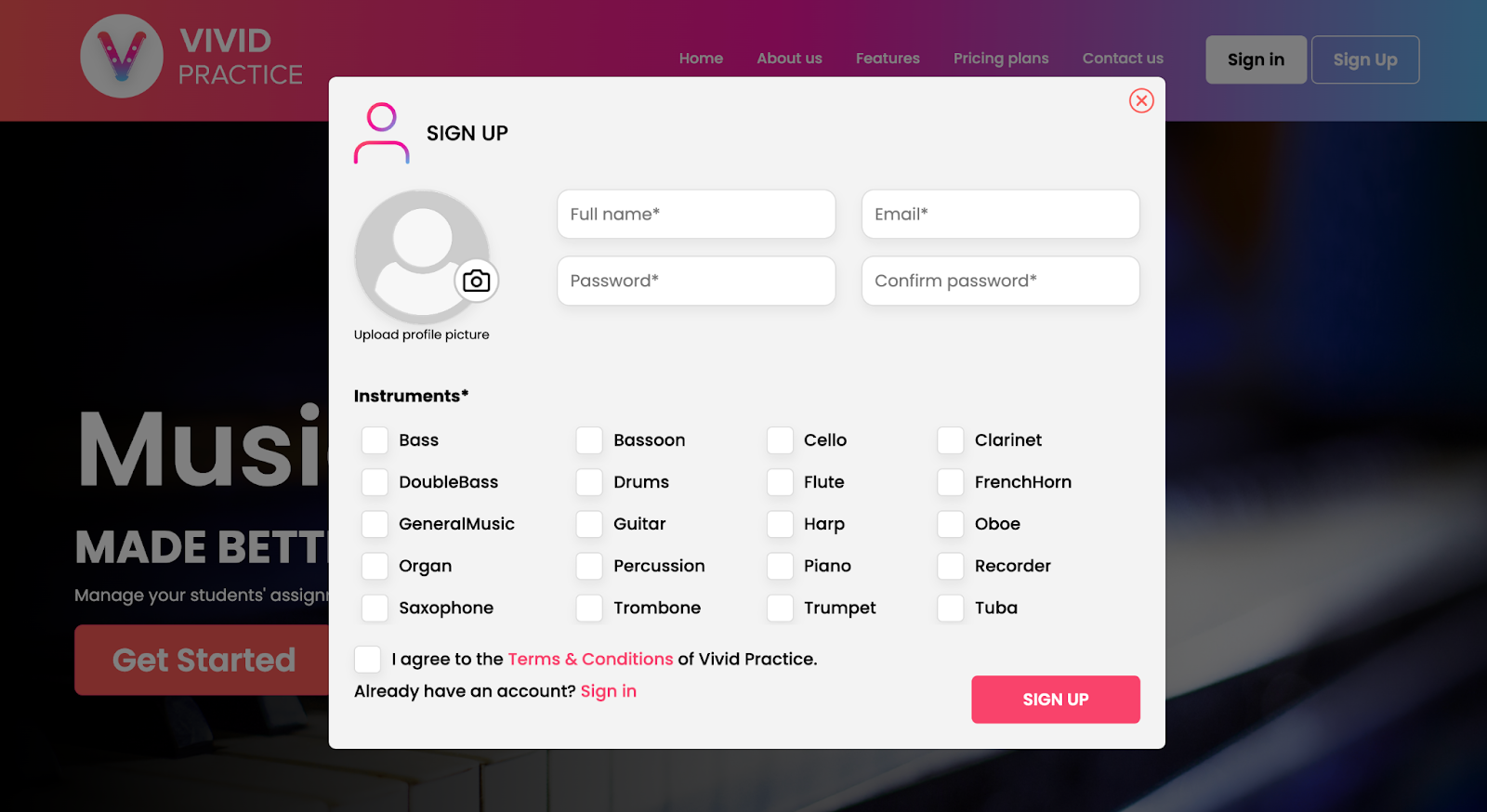
On the Vivid Practice website, select the “Sign Up” button. Enter your full name, email address, and a password. Then select the instruments you teach—scroll to see the whole list, or use the “other” option to add your own.
Be sure to click the box to agree to the terms and conditions. (Select the red-colored “Terms & Conditions” text to read through the details.) Then select the red “Sign Up” button.
Next, we’ll ask you to verify your email address. Open the email sent from support@vividpractice.com and click the button that says “Verify Email”. That should take you back to the Vivid Practice website where you can click the “Sign In” button to log into your new account.