
Teacher: How do I update my payment card details?
Edited
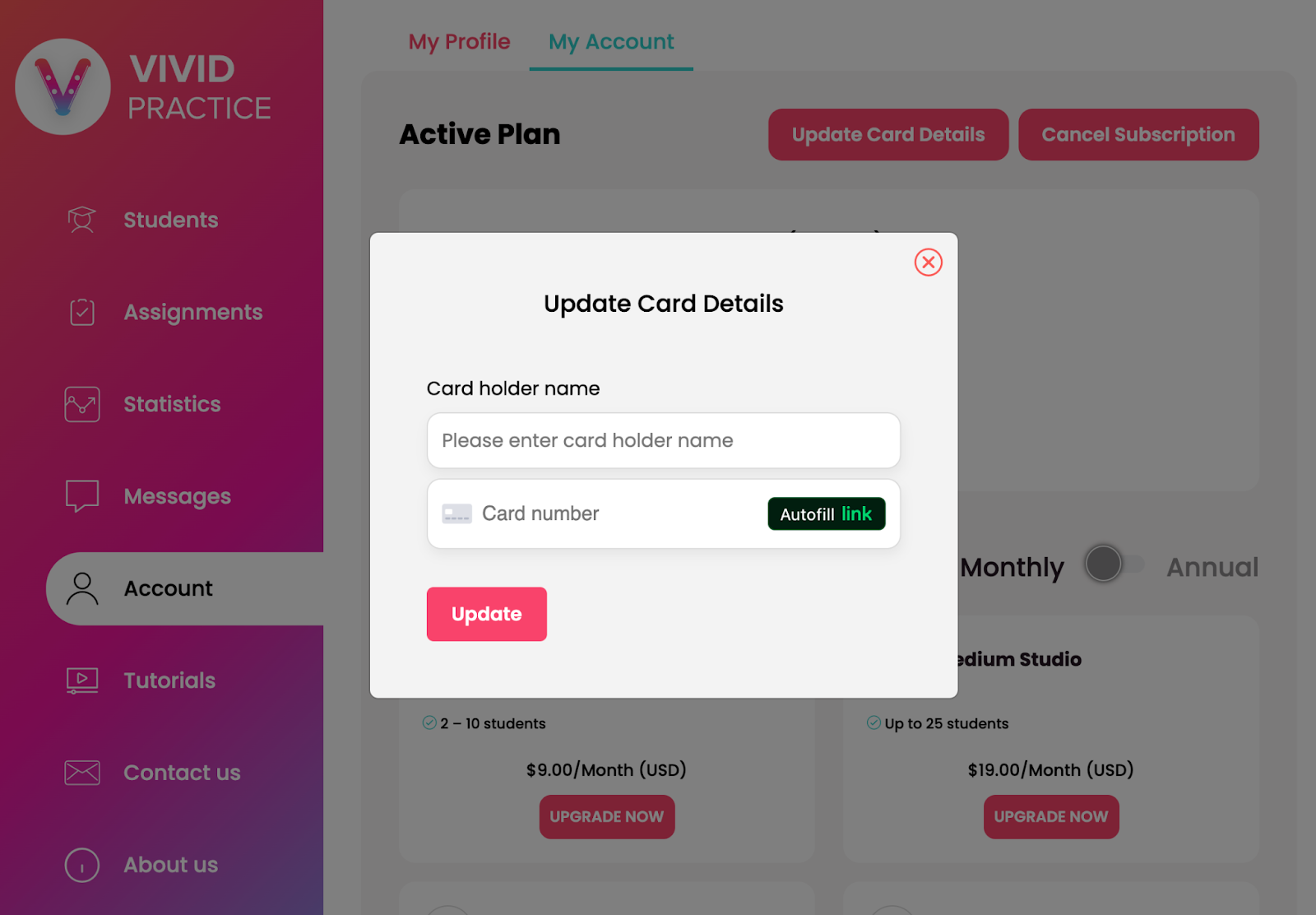
When you have an active subscription, your “My Account” page will show an “Active Plan” section that has an “Update Card Details” button. Even if you just need to update your expiration date, you’ll need to enter your full card information again. Click inside the “Card number” field to see the expiration date and CVC fields.
If you run into any issues, please contact us at support@vividpractice.com