
Teacher: Why can’t I open any of my students’ information?
Edited
If a payment doesn’t go through for some reason, the system will deactivate all your students except one. If this happens, visit your “My Account” section to see if you are currently on a paid plan. If the “Active Plan” section is missing, it means you need to select a new plan. Don’t worry—all your student information is saved in our system.
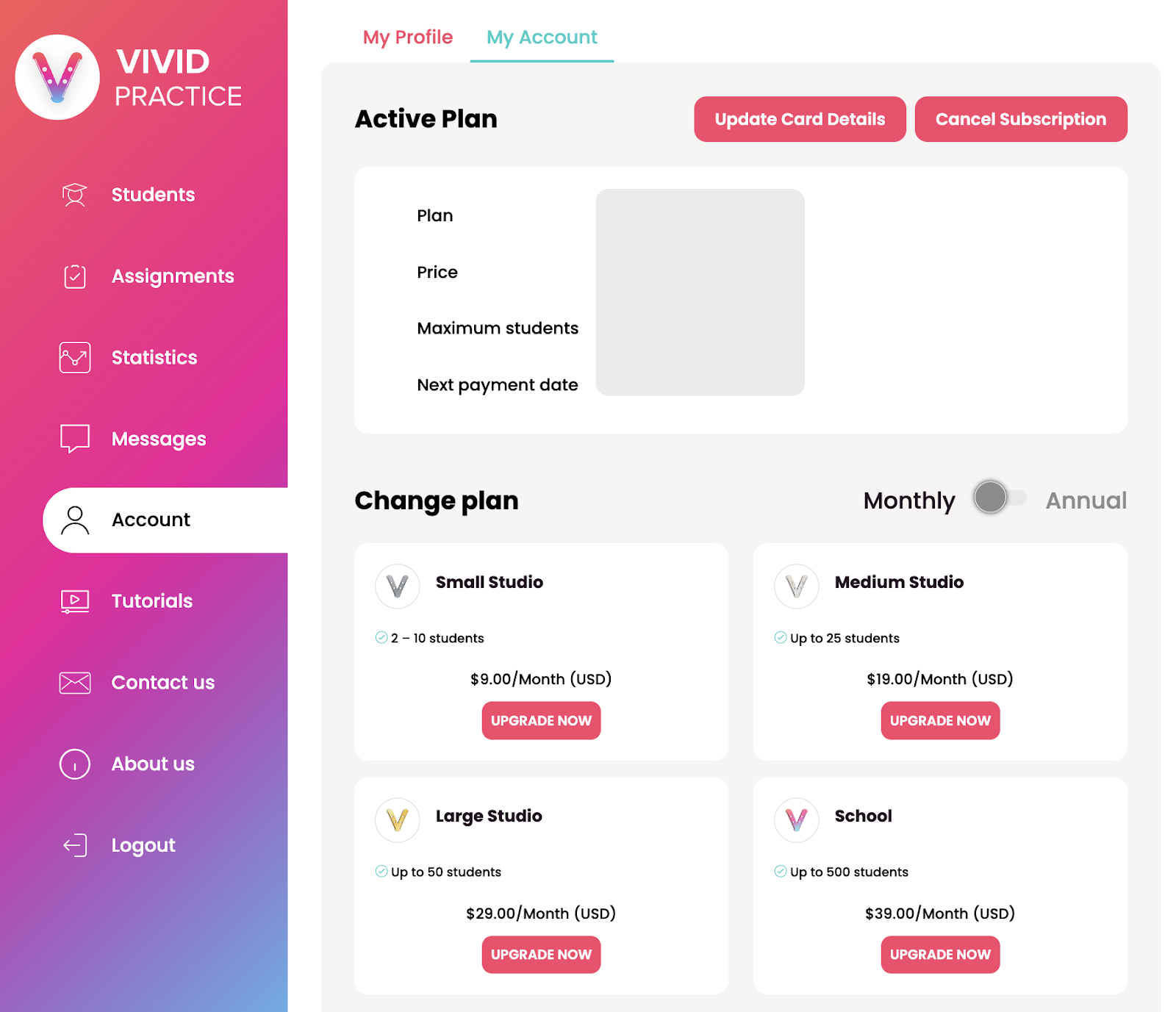
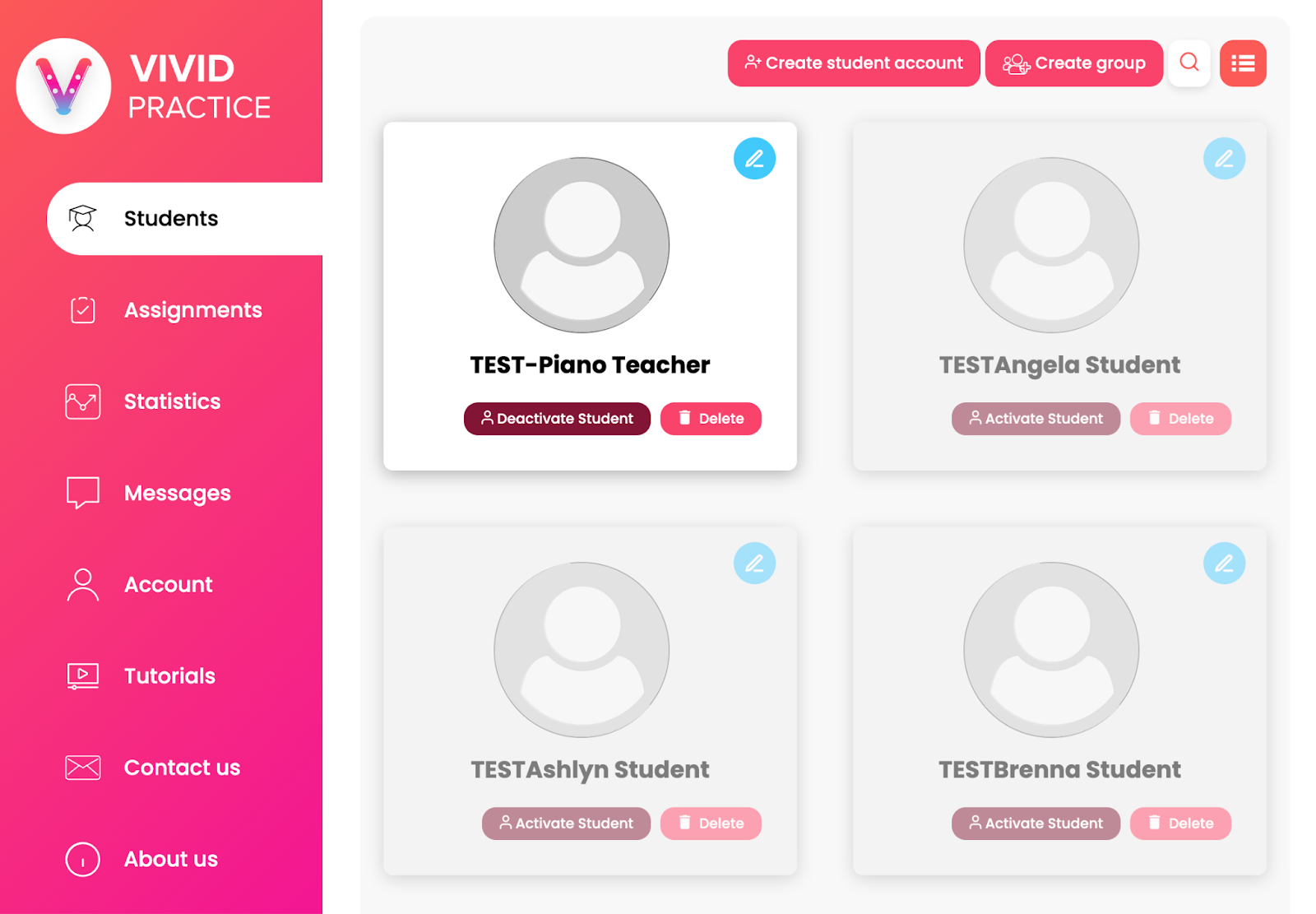
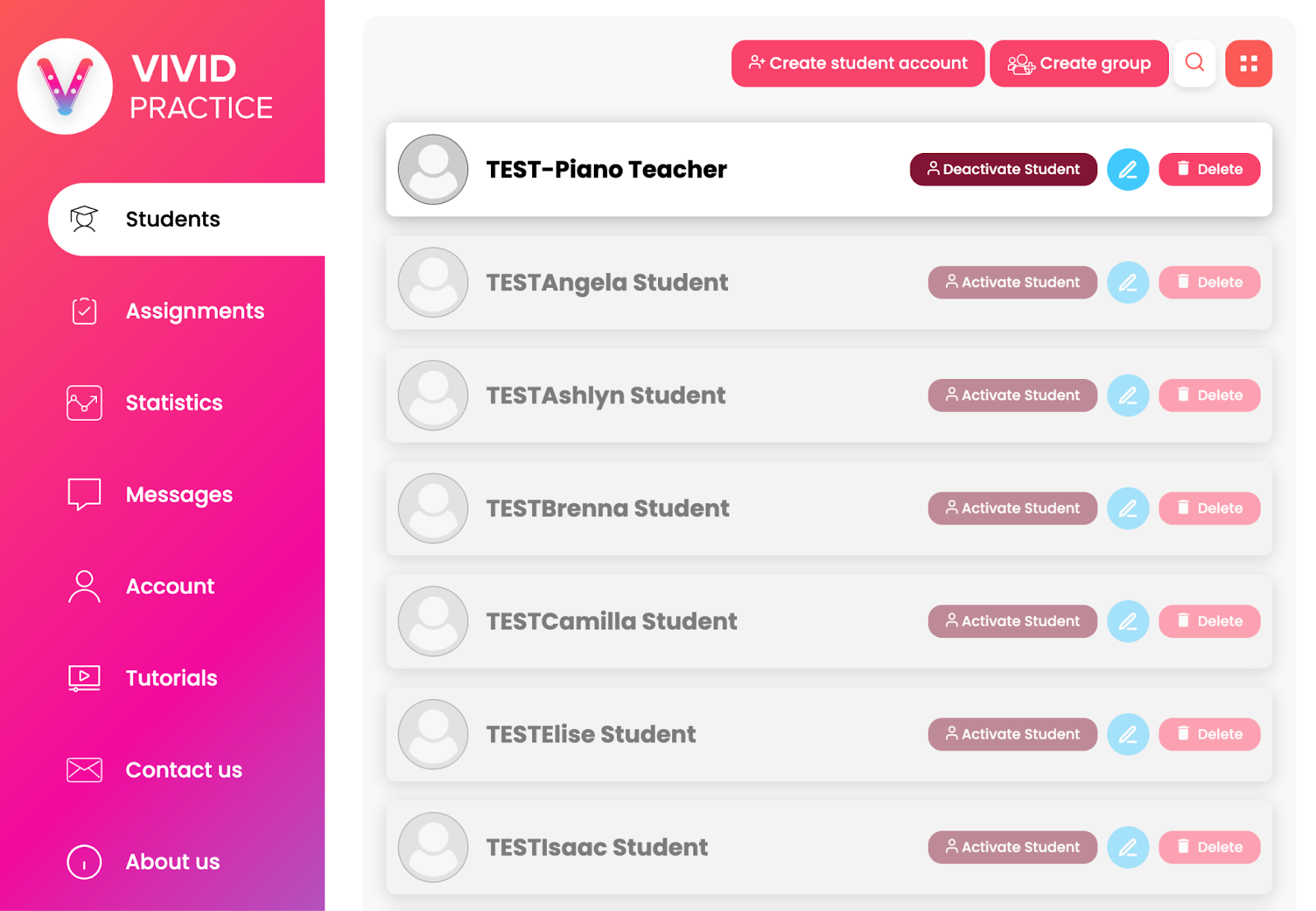
Once you have a new subscription set up, go to your “Students” section and select the “Activate Student” button for any students you would like to have access to again. (You can view your students in a card view or a list view. Both options show the “Activate Student” button.)
If you’re still experiencing issues, please reach out to support@vividpractice.com.