
Student: The app isn’t letting me record and attach audio, video, and/or pictures.
Edited
When you are sending a message inside Vivid, you can use your device’s camera and microphone to add audio and video to your text. However, Vivid Practice needs permission from your device. The first time you try recording or attaching media to a message, the app will prompt your device to request permission.
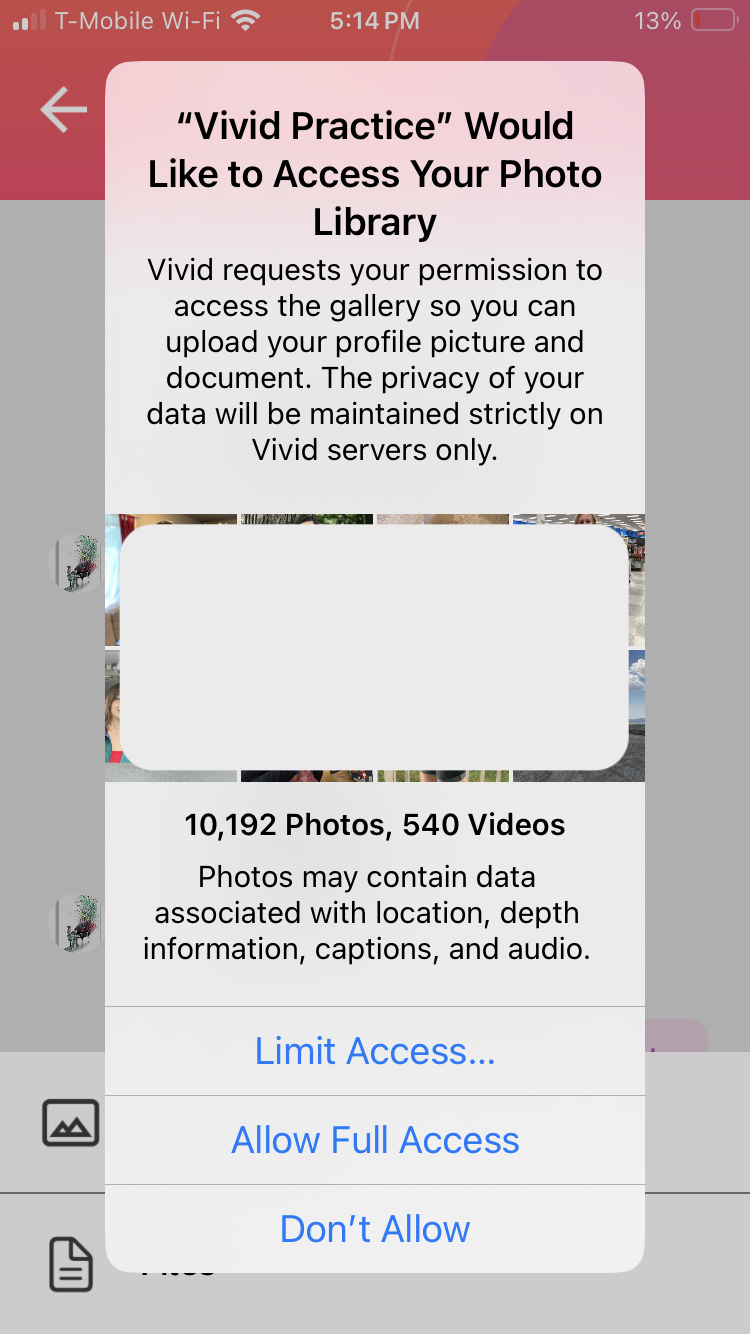
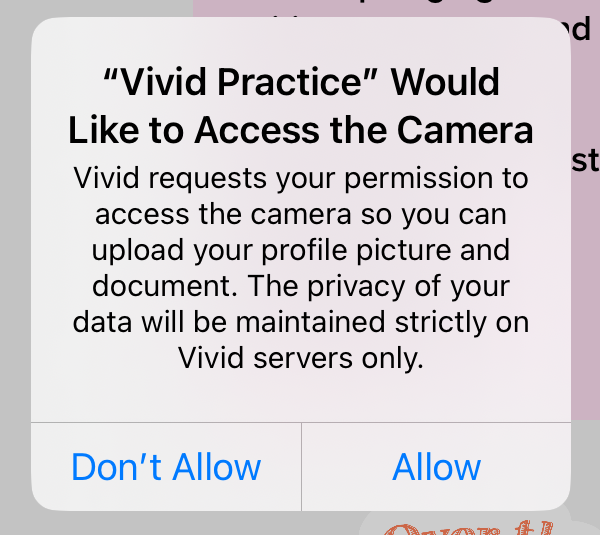
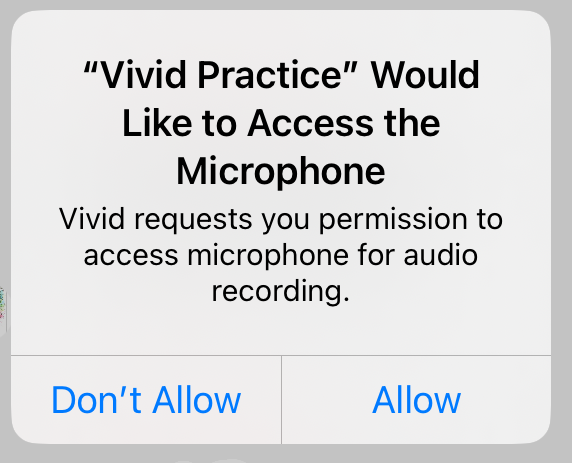
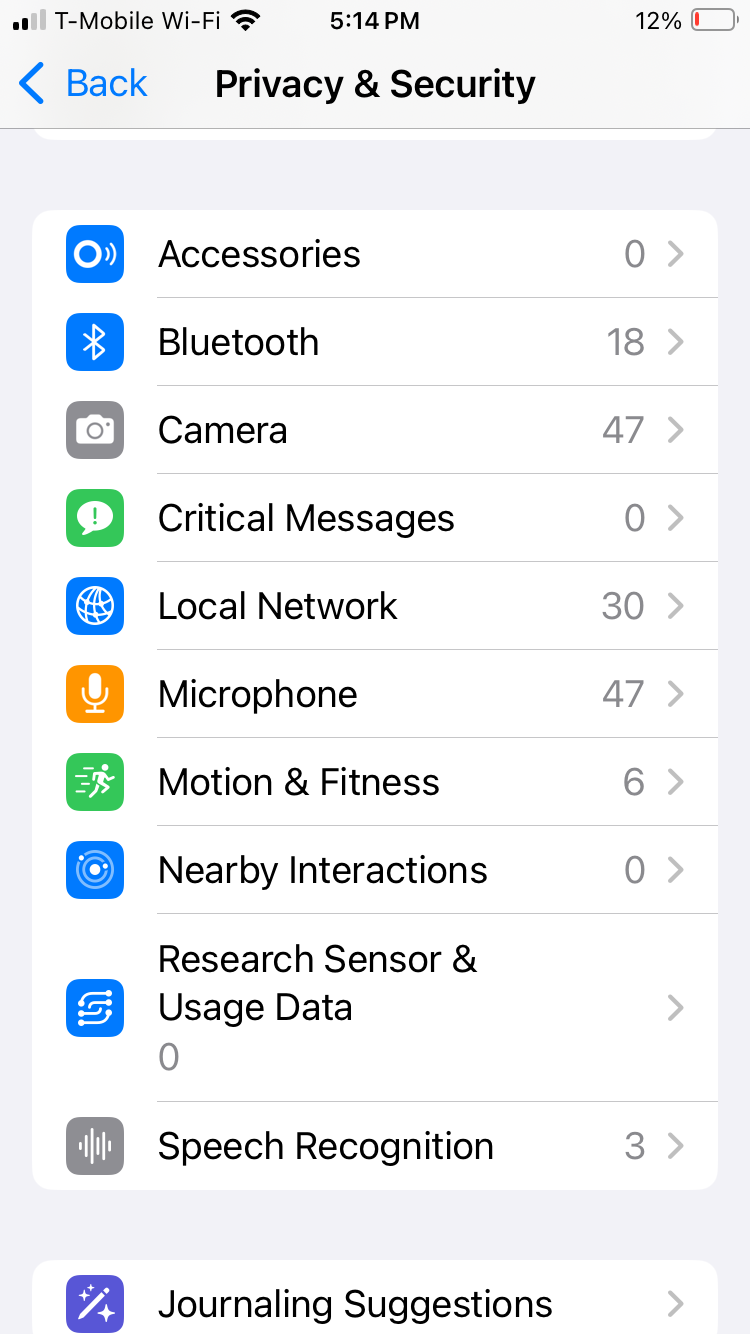
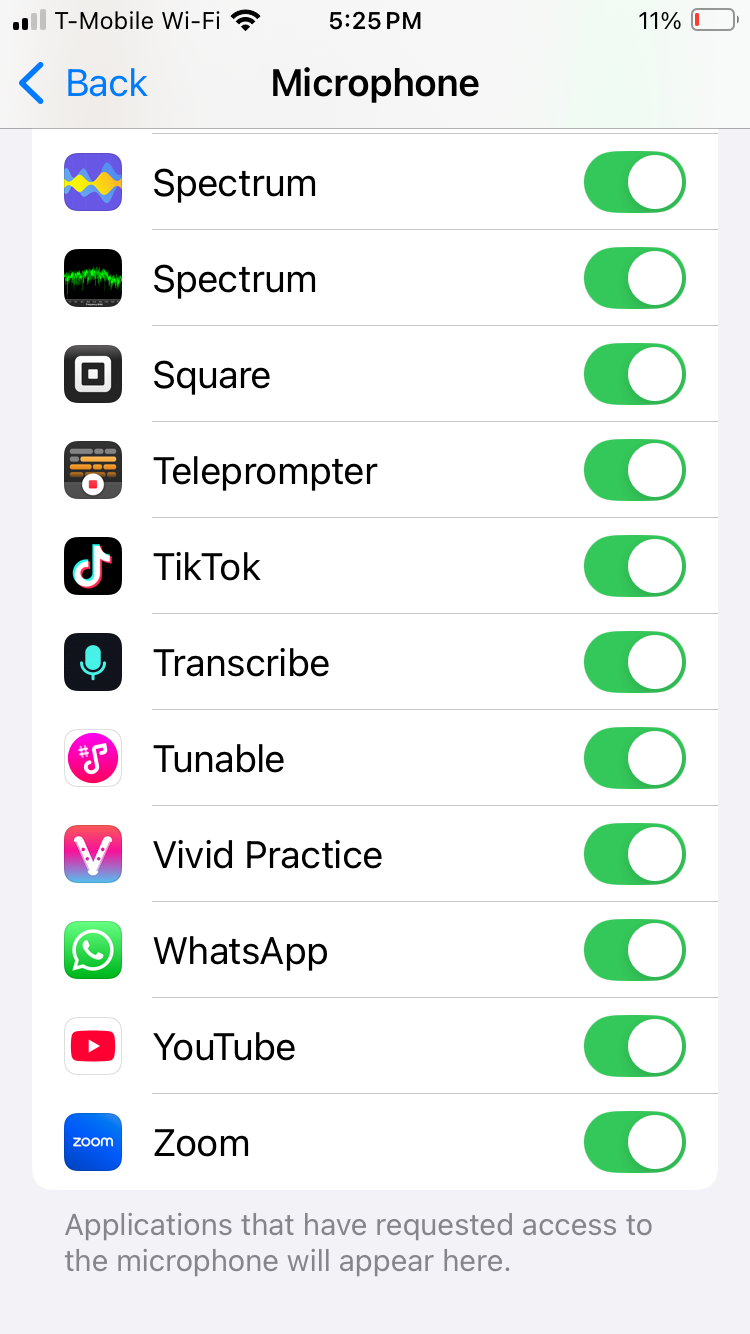
If this was accidentally denied, you will need to go to your devices main privacy and security settings, click on the camera and microphone, and then toggle on permission for Vivid Practice.
If you’re still experiencing issues, please reach out to support@vividpractice.com.